
LUNA MENSIS/ 01 : 03
Papergami
A journey made of paper.
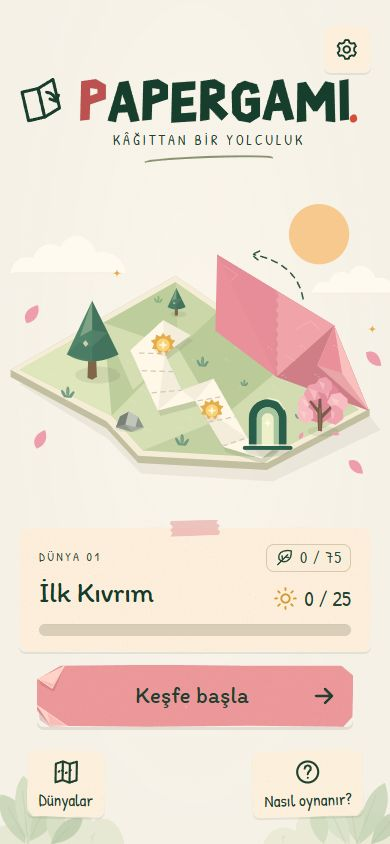
In a world made of paper, paths are not fixed. Reach a folding station, fold or unfold the wings and create new connections. Collect the lights and find the exit.
01 / FIELD GUIDE
How to play
- 01
A fold opens a path
Discover different routes on the same sheet with one, two or three folding wings.
- 02
Follow the light
Collect the lights, use teleportation portals and solve the route to the exit.
- 03
Make each move count
Meet the target move count, collect leaves and unlock the next world.
02 / PUBLISHER INFORMATION
Store information
This game is not yet on the stores. Use this page as the App Store Marketing URL and the developer website on Google Play.
Support and official links
The privacy policy explains ads and the optional Remove Ads purchase.
- Marketing / developer website
- https://lunamensis.com/en/mobil-oyunlar/papergami/
- Player support
- https://lunamensis.com/en/papergami-support.html
- Privacy policy
- https://lunamensis.com/en/papergami-privacy.html
- Terms of use
- https://lunamensis.com/en/papergami-terms.html
- Game app-ads.txt
- https://lunamensis.com/mobil-oyunlar/papergami/app-ads.txt
- File crawled by AdMob
- https://lunamensis.com/app-ads.txt
- Support email
- info@lunamensis.com
Artwork and screenshots
 Game icon ↗
 Google Play icon · 512 × 512 ↗
 Google Play feature graphic ↗
- Title screen ↗
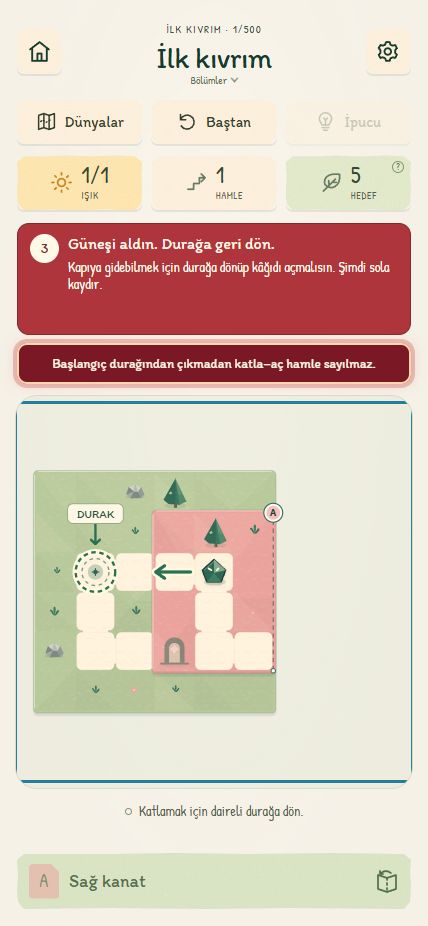 The first fold ↗
Store submission
Complete these steps in each store console for the build you submit. Check each image against the store and target device specifications.
To complete in App Store Connect
- App record: unique bundle ID, SKU, primary language, category, name and subtitle.
- Product page: description, keywords, copyright, support and privacy URLs; use this page for marketing. Provide gameplay screenshots for supported device sizes.
- Release: signed build, version, app icon, age rating, content rights, encryption/export answers, price and territories.
- Privacy and review: App Privacy answers covering SDKs; tracking permission, purchases and restoration where applicable. Enter reviewer contacts, access details and notes only in the console.
Apple: Product page fieldsScreenshot sizesApp Review Guidelines
To complete in Google Play Console
- Store listing: name, short and full descriptions, category, email, developer website and privacy URL. Supply a 512 × 512 icon, a 1024 × 500 feature graphic and screenshots for supported devices.
- Release: unique package name, signed Android App Bundle, version code, current target API and device compatibility. Verify on a test track; set price and distribution countries.
- App content: complete Data safety, ads and advertising ID declarations, app access, target audience and content rating against the release build; include the deletion URL and in-app products where applicable.